
Free Wedding Invitation Video Maker for Indian Weddings
Make a wedding invitation video for free, with no watermark, in a few minutes. Pick a design, type your names and functions in your own language, and send it on WhatsApp. Customize every detail with a live preview. Every haldi, mehendi and sangeet gets its own slide. You get an HD or Full HD MP4.
- Free to make
- No watermark after a quick OTP check
- 11 languages
- A slide for every function
- HD and Full HD MP4
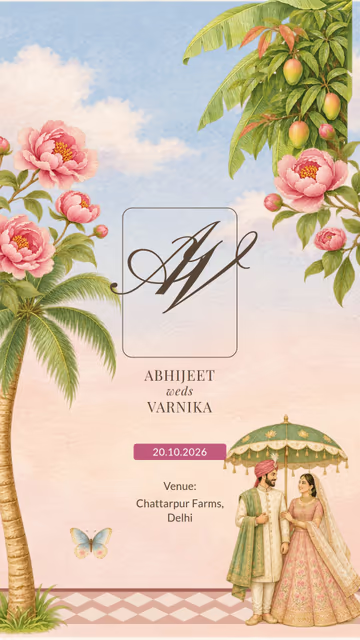
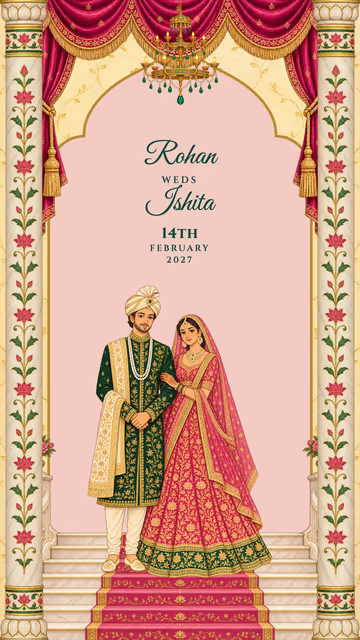
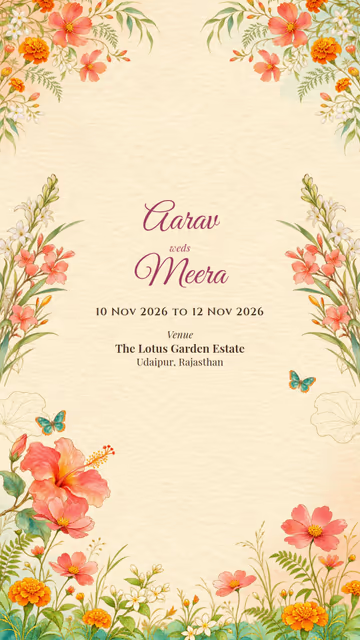
Video templates



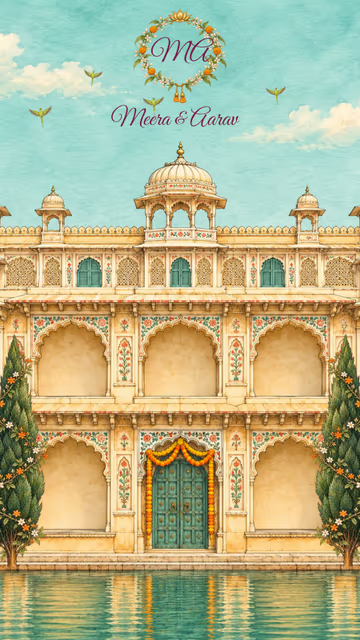
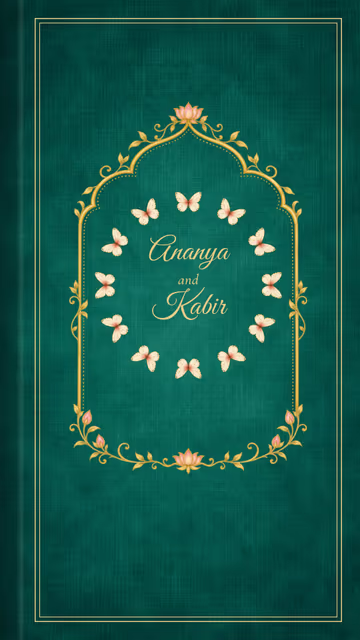
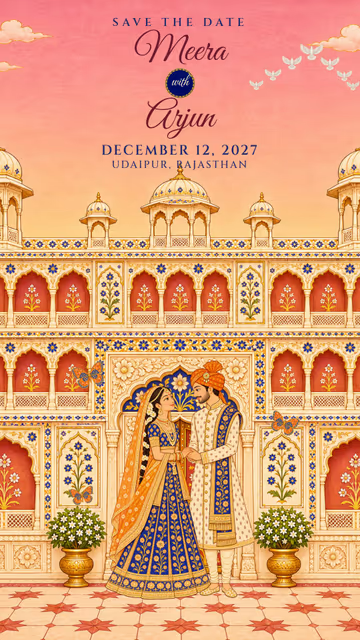
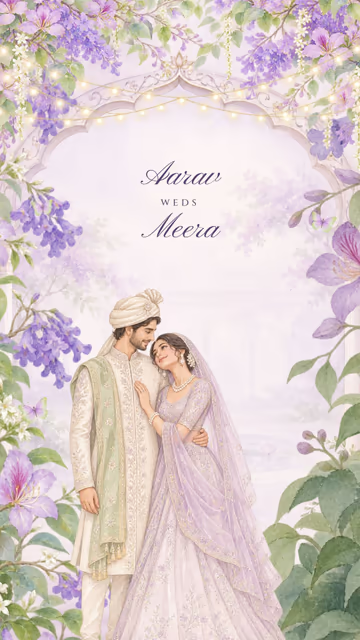
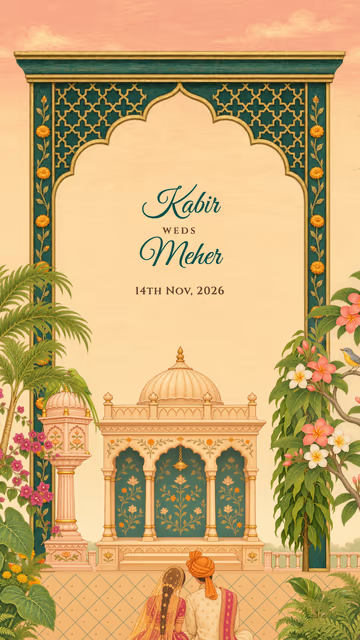


Watch a sample wedding
invitation video
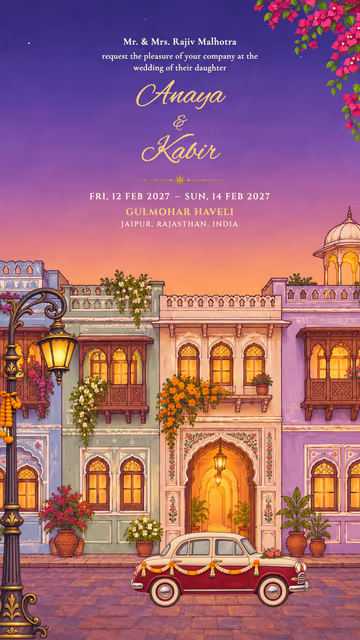
This is Haveli Dusk, with its own music. Every name, date and slide in it can be changed for your wedding. An old city at dusk in violet and marigold. A haveli street and a vintage car open it, then a rooftop Haldi, a Sangeet under fireworks, the wedding and a lantern-lit Reception.
How to make a wedding invitation video online for free
No design or editing skills needed. You make it right here on the page, on your phone. Keep your names, wedding date and list of functions handy.
Pick a design
Tap any template above.
Add your names
Type them the way you want guests to see them.
Set your wedding date
The video shows it in full and sets your other function dates around it. You can change any of them.
Fill in your functions
Each function slide has its own date, time and venue. Rename a function to match yours.
Tap any text to change it
Switch off slides you don’t need, and drag functions into the right order.
Pick music and language
Choose a track or upload your own song.
Download and share
Get your MP4 and send it on WhatsApp, Instagram or email.
That’s it.
Your video saves on your phone as you go, so you can close the page, check the dates with your parents and come back to finish it later.
Wedding invitation video maker without watermark
Every download starts with a small watermark. Verify your phone number with a one-time password (OTP) and it comes off for free. You don’t pay anything.
What’s inside your wedding invitation video
A full video runs from about 25 seconds to two minutes, depending on the design and the slides you keep. Most designs have these slides, in this order:
- Opening: a blessing and the title of your invitation.
- The two of you: your names, front and centre. This slide always stays.
- Your families: both families’ names and an invitation line.
- One slide per function, with its date, time and venue.
- Closing: a warm last line and who the invitation is from.
- RSVP: a name and phone number guests can call.
Don’t need the opening, families, closing or RSVP? Switch them off and the video gets shorter on its own. Want a wedding hashtag for the closing slide? Make one with our wedding hashtag generator.
A slide for haldi, mehendi, sangeet and every function
Indian weddings are rarely one event. Guests need the date, time and venue for each function, from the haldi in the morning to the reception at night. So each function gets its own slide.
Rename each function slide to the haldi, mehendi, sangeet, wedding or reception you’re planning. Drag them into the order they happen, or sort them by date in one tap. Not having a sangeet? Switch that slide off. Done.
Need a function the design doesn’t have, like a tilak or a roka? Our designers can make you a custom video.
Wedding invitation video in Hindi, Marathi and 9 more languages
Pick from 11 languages: English, Hindi, Marathi, Gujarati, Punjabi, Bengali, Tamil, Telugu, Kannada, Malayalam and Urdu.
When you switch language, the video’s own words and dates switch too. Anything you’ve typed stays as you wrote it, in any script.
Marathi wedding invitation video (lagna patrika video)
Switch to Marathi and the blessing, labels and dates all turn Marathi on their own, so you only type the names and venues. Type your names in Devanagari or English. It’s a quick way to make a lagna patrika video for family WhatsApp groups.
Hindi wedding invitation video
Pick Hindi for a shaadi card video your grandparents can read with ease, even on a small phone screen in the family group. Keep the names in English if friends will see it too.
Tamil, Telugu, Kannada and Malayalam
Send one version in your language to elders and an English one to colleagues.
Gujarati, Punjabi, Bengali and Urdu
The labels and dates switch to the script your family reads, and Urdu runs right to left. Type the names in that script or in English.
Music for your wedding invitation video
Each design comes with its own track. You can also switch to one of these:
- The music from any of our other designs, all licensed.
- No music, for a silent video.
Want your own song? Upload an MP3, M4A or WAV file up to 15 MB and choose where it starts. Only upload music you’re allowed to use. Your song stays on your phone and is only used to make your video. It plays under the whole video and fades out on the last slide.
Which video size to download for WhatsApp and Instagram
Pick the shape that fits where you’ll share it:
Vertical (9:16)
For WhatsApp status and Instagram Reels. It fills a phone screen.
Landscape (16:9)
For YouTube or the screen at your venue. Your slides stay upright in the middle, on the design’s own background.
Each shape comes in SD, HD or Full HD. A full video of around 42 seconds is about 9 MB in HD and 19 MB in Full HD. There’s also a short version that plays every slide faster. Use it for your status.
Why send a wedding invitation video
A video reaches every guest on the same day, whether they live two streets away from the venue or in Dubai, Toronto or Sydney. No printing, no courier, no waiting for cards to reach your cousins abroad. Saving on cards? Plan the rest with our wedding budget calculator.
It’s also easy to fix. Really easy. If a venue or time changes, edit the slide and send the video again. A printed card can’t do that.
Many families still send printed cards to elders and close relatives. Fair enough. The video works well next to them. Send it to the wider guest list and post the short version on your status.
Want a custom wedding invitation video?
Want something the templates can’t do? Our designers make custom videos with your photos, an illustrated couple, every function you’re having and your language. Tap “Talk to our designers” and your details open in a WhatsApp message. Send it, and we’ll reply to plan your video and share the price.
Tips for a wedding invitation video guests will watch
- Keep it short. Families forward these videos into big WhatsApp groups where people scroll past fast, so a tight video gets watched to the end.
- Send the full video in chats and the short one as your WhatsApp status.
- Check every spelling. Names, dates, times and venues. Ask someone in the family to read it too.
- Match the language to your guests. Hindi or Marathi for elders, English for friends, if you like.
- Put the RSVP number of someone who will actually pick up the phone.
- Send a save the date first. For outstation guests, a free save the date card months ahead gives them time to book travel. Send the video once functions and venues are final.
Wedding invitation video FAQs
Is the wedding invitation video maker free?
Yes. It has a small watermark, which comes off for free once you verify your phone number with an OTP.
How do I make a wedding invitation video without watermark?
Make your video, then verify your phone number with an OTP before you download. The watermark comes off for free.
Can I download wedding invitation video templates for free?
You don’t download a blank template here. You fill in your details on the page and download the finished MP4 for free.
Do I need an app?
No. Everything happens on this page. It works on your phone, so you can make it and send it on WhatsApp from the same device.
How long is the invitation video?
From about 25 seconds to two minutes, depending on the design and how many slides you keep. The short version plays every slide faster.
Can I add haldi, mehendi and sangeet?
Yes. Each function gets its own slide with its date, time and venue. Drag them into order, or switch off any you aren’t having, like a sangeet you’ve folded into the mehendi night.
Can I make a Marathi or Hindi wedding invitation video?
Yes. Pick Marathi, Hindi or any of the 11 languages. You can type names in any script.
Is there a design for a Christian wedding?
There’s no church-themed design yet. Every line can be changed, including the opening words, so you can put in a verse your family likes. For a design with a church or your photos, ask our designers for a custom video.
Can I use my own song?
Yes. Upload an MP3, M4A or WAV file up to 15 MB and pick where it starts. Only use music you’re allowed to use.
Which size is best for WhatsApp?
Vertical (9:16). It fills the phone screen, in a chat and on your status.
How big is the video file?
A 42-second video is about 9 MB in HD and about 19 MB in Full HD. The short version is smaller.
Can I add our photos?
Not in the free designs. They use their own artwork. For a video with your photos or an illustrated couple, ask our designers for a custom video.
Can I edit the video after I download it?
Yes. Your video stays saved on your phone. Change anything and download it again.
Should I send a save the date before the video?
It helps, especially if guests have to book flights or trains, because they need time to book tickets and leave from work. Send a save the date months ahead, then the full video once your functions and venues are fixed.
Sending a save the date first?
Make a free save the date card with the same names.